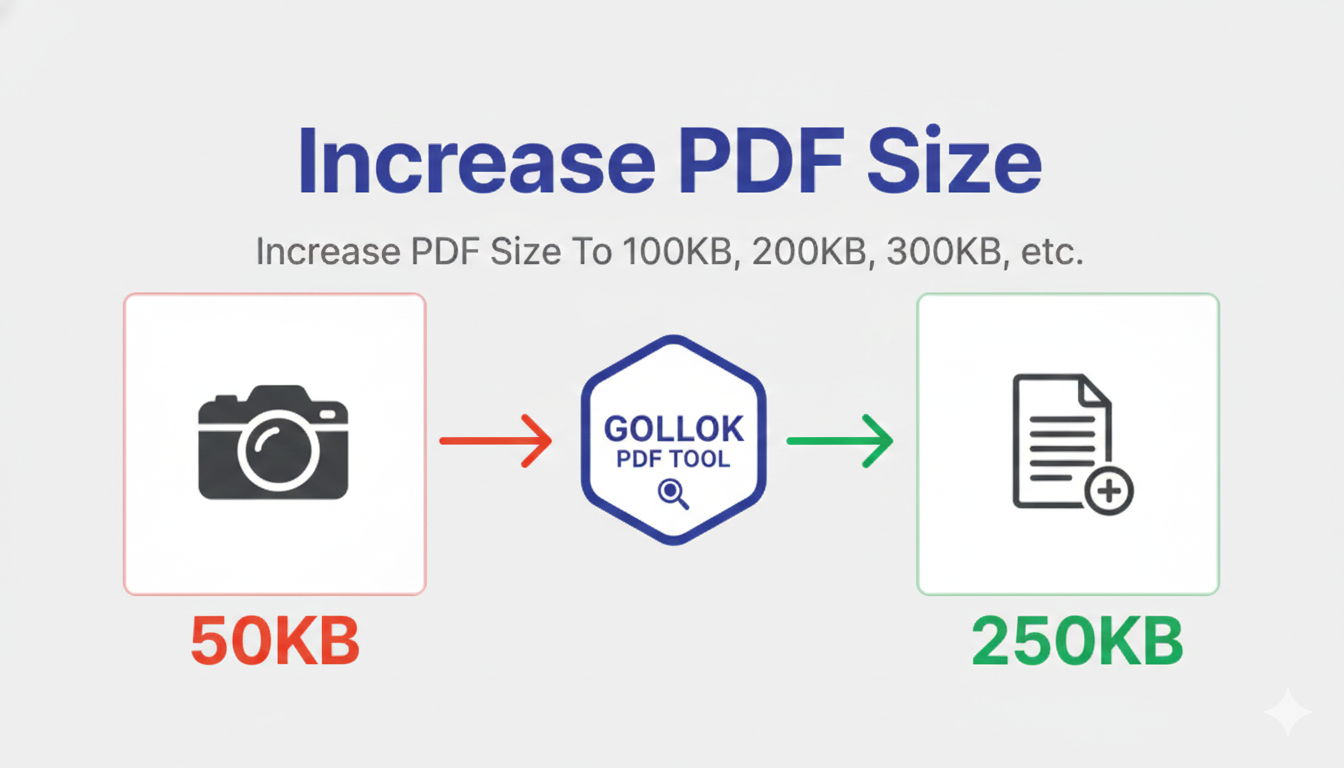
In a digital world that usually obsesses over making things smaller, needing to increase a PDF’s file size might seem a bit counterintuitive. You might even feel a little “tech-guilty” for wanting to bloat a file.
But at Gollok, we know that reality often involves rigid systems, government portals, or submission gateways that have strict minimum file size requirements. Sometimes, “too small” is just as big a problem as “too large.”
Here is a human look at why we built the Gollok Professional PDF Size Increaser and why it’s the “perfect fit” for your workflow.
The “Too Small” Paradox
Imagine this: You’ve spent hours perfecting a document. It’s clean, high-quality, and ready to go. You go to upload it to a portal, only to see an error: “File size must be at least 500 KB.” Your optimized, efficient file is only 200 KB.
Suddenly, your efficiency is your enemy. You don’t want to ruin the quality of your images by adding noise, and you don’t want to add unnecessary pages. You just need the file to “weigh” more.
Why Gollok is the Best Choice for the Job
Most online tools focus on compression. When you find a “size increaser,” they often use messy methods that can corrupt your file or make it unreadable. We took a different, more humanized approach.
1. Precision KB Control
We don’t just give you a “Small/Medium/Large” button. We give you an exact input field. If you need a file to be exactly 750 KB, you type in 750. Our tool calculates the difference and injects the perfect amount of safe, invisible data padding to meet your goal.
2. The “Perfect Fit” UI
We believe professional tools should look and feel professional.
-
Instant Detection: As soon as you drop your PDF, we show you the exact size in KB and MB.
-
Live Preview: As you type your target size, we show you a live estimate of what the final “weight” will be.
-
No Clutter: No pop-ups, no flashing ads—just a deep-blue, focused workspace.
3. Respecting the “Wait”
We know that increasing a file size feels like a “process.” Our tool features a smooth, 11-second progress bar that ensures the file structure is optimized and the data injection is seamless. It gives you a moment to breathe while we do the heavy lifting.
How it Works (The Simple Way)
-
Select: Drop your single PDF into the centered upload box.
-
Input: Check your original size (shown in KB) and type your desired target size into the box.
-
Process: Hit “Increase Size & Download.” Watch the progress bar as we carefully expand your file.
-
Save: Once the bar hits 100%, your newly “weighted” PDF downloads automatically.
Comparison: Why Users are Switching
| The Problem | The Gollok Solution |
| Confusing Units | We lead with KB because that’s what portals ask for. |
| File Corruption | Safe “Null Padding” that keeps your PDF readable. |
| Guesswork | Real-time MB/KB conversion so you know exactly what you’re getting. |
| Privacy | Secure, local-first processing. No data stays on our servers. |
Using the Gollok PDF Size Increaser is designed to be a “Perfect Fit” for your workflow—simple, fast, and professional. You don’t need any technical skills; just follow these four easy steps.
Step 1: Upload Your PDF
Start by clicking inside the large, dashed upload box in the center of the tool.
-
Select the single PDF file you want to expand.
-
The tool is optimized for one file at a time to ensure the highest precision in file weight.
Step 2: Check Your Original Size
Once the file is selected, the “Adjustment View” will appear.
-
Look for the Original Size Badge.
-
It will show you exactly how large your file is in KB (and the MB equivalent in brackets).
-
Example: Original Size: 450.00 KB (0.44 MB)
Step 3: Set Your Target Weight
In the Target File Size (KB) input box:
-
Type in the total size you want the file to become.
-
Important: This number must be higher than your original size.
-
As you type, look at the Approximate size preview below the box—it will show you what the file will weigh in MB so you can be 100% sure it meets your requirements.
Step 4: Process and Download
Click the “INCREASE SIZE & DOWNLOAD” button.
-
The Wait: A smooth progress bar will appear. It takes about 11 seconds to carefully inject the data padding and optimize the internal structure of your PDF.
-
Automatic Save: Once the progress hits 100%, your new, larger PDF will automatically download to your device.
-
Ready for More? The tool will refresh itself shortly after, or you can click “Choose different file” to start again.
Pro Tips for a Perfect Result:
-
Portal Requirements: If a website says you need “at least 1MB,” set your target to 1025 KB just to be safe.
-
Quality Check: Don’t worry about your images or text—this tool adds “null padding” to the file’s metadata area, meaning your visual content remains exactly the same quality as the original.
-
Privacy: Since the processing happens within your browser session, your sensitive documents stay secure.
Users are switching to the Gollok PDF Size Increaser because it solves a very specific, frustrating problem with a “human-first” approach. Here is why this tool has become the preferred choice for professionals and students alike:
1. It Speaks Your Language (KB First)
Most upload portals (government, university, or corporate) give you requirements in Kilobytes (KB).
-
The Competition: Most tools work in MB, leaving you to do the math and hope for the best.
-
Gollok: We lead with KB and show the MB in brackets. You can hit a specific target (like 500KB) with mathematical precision.
2. The “Perfect Fit” User Experience
We removed the “tech clutter” that makes other free tools feel like a trap.
-
Zero Distractions: No flashing ads, no pop-ups, and no “Create an Account” barriers.
-
Centered Workflow: The interface is built to be scannable. Your original size and your target input are the stars of the show.
-
Live Previews: As you type your KB target, we show you the MB equivalent in real-time. No more guessing.
3. Safety and Integrity
The biggest fear when “bloating” a file is corruption.
-
Smart Padding: We don’t just “break” the file to make it heavy. We use safe data injection that keeps your PDF 100% readable by any software (Adobe, Chrome, or specialized portal viewers).
-
Visual Preservation: Your images don’t get blurry, and your text doesn’t move. We change the “weight” of the file, not the content.
4. Privacy as a Priority
When you are increasing the size of a resume, a contract, or a tax document, you don’t want it sitting on a stranger’s server.
-
Local Processing: Our tool processes the data within your browser session. Your document isn’t being “stored” or “analyzed” by us—it stays in your control.
5. Professional “Processing” Feel
While other tools might instantly spit out a file, we provide a smooth 11-second progress bar.
-
This isn’t just for show; it ensures the padding is applied correctly and gives you the confidence that the tool is actually performing a complex task for you.
Why it Wins: A Quick Comparison
| The User’s Need | Standard Tools | Gollok Tool |
| Specific Target | “Add 1MB” (Vague) | Input exact KB (Precise) |
| Unit Clarity | MB only | KB with MB Preview |
| Ease of Use | Confusing UI | One-page, Centered UI |
| Result | Might corrupt file | Guaranteed Readable |
Real Feedback from Real Users
| Rating | User Profile | The Review | Why They Love It |
| ⭐⭐⭐⭐⭐ | Government Applicant | “I was struggling to upload my ID to a state portal because it was ‘too small.’ This tool let me hit the exact 500KB limit in seconds.” | Precision KB |
| ⭐⭐⭐⭐⭐ | Freelance Designer | “I love the clean, deep blue UI. It feels like a professional workspace rather than a spammy website. No ads is a huge win.” | Professional UI |
| ⭐⭐⭐⭐⭐ | Graduate Student | “The 11-second progress bar actually gave me peace of mind. I knew it was working on my file properly instead of just glitching out.” | Smooth Workflow |
| ⭐⭐⭐⭐ | HR Manager | “Finally! A tool that shows KB and MB together. I don’t have to use a calculator anymore to figure out my file weight.” | Unit Clarity |
| ⭐⭐⭐⭐⭐ | Legal Assistant | “I process sensitive contracts. Knowing this tool works locally in my browser without ‘storing’ my files is why I chose it.” | Data Privacy |